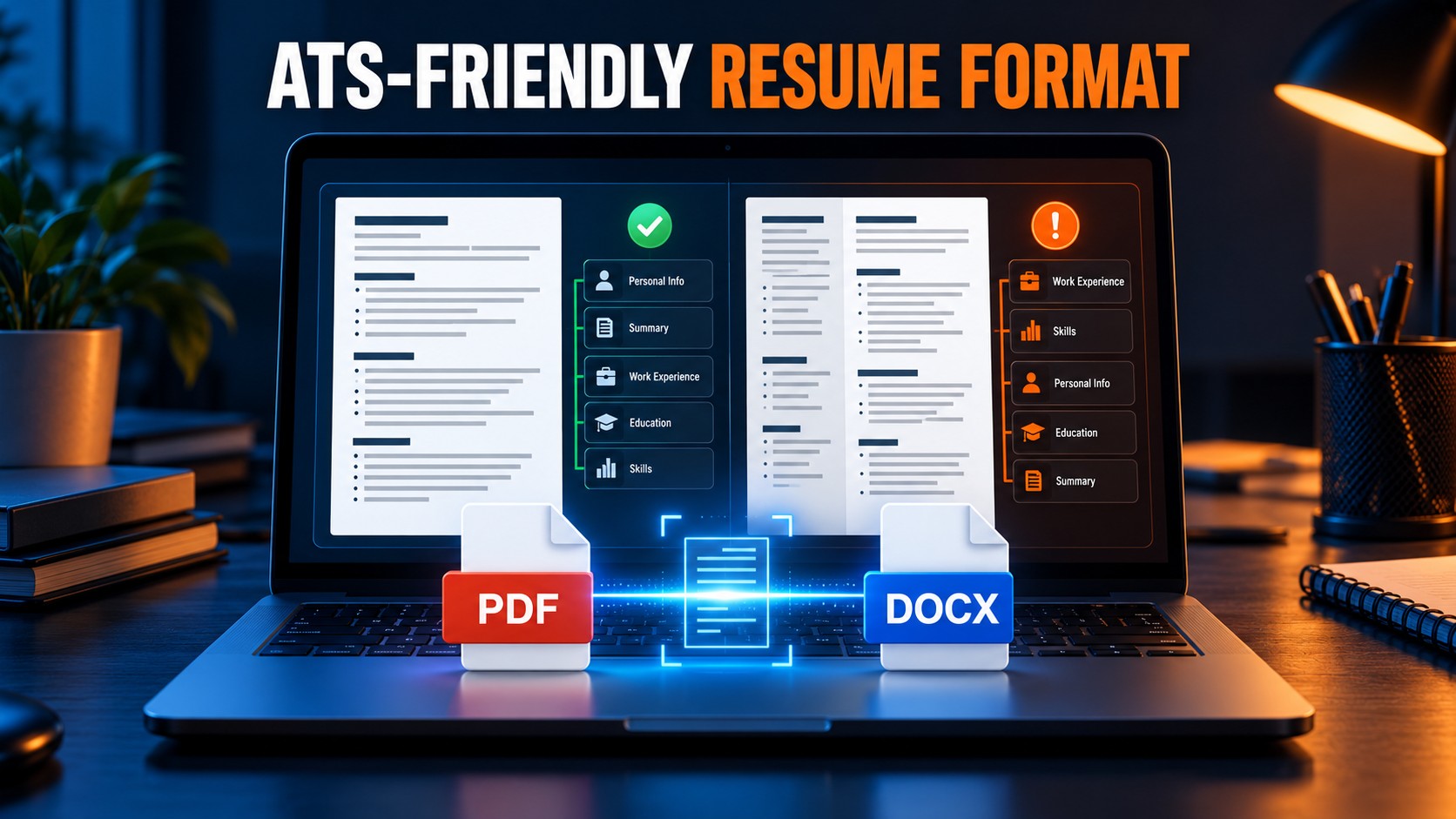
The safest ATS-friendly resume format is not one universal file type. Both text-based PDF and DOCX are supported by major applicant tracking systems, including Greenhouse, Lever, and Workday. The employer’s instructions therefore come first. When no format is specified, use a simple one-column resume, keep a DOCX master, and submit a text-based PDF after checking that the application form extracts your details correctly.
A file extension alone does not make a resume ATS-friendly. A PDF can fail when it is a scan or contains complex visual elements. A DOCX can fail when essential information is placed in text boxes, tables, headers, footers, or a confusing multi-column design.
Quick Verdict
Best default when the portal accepts it: a text-based PDF exported from a simple one-column document.
Best editable master file: DOCX.
Best rule when the employer names a format: follow that instruction exactly.
Safest layout: one column with standard headings and normal bullet points.
Main risks: scanned PDFs, text boxes, tables, headers, footers, graphics, icons, and multi-column reading order.
What an ATS Actually Reads
An applicant tracking system stores applications and may extract fields such as name, contact information, employment history, education, and skills. Some systems also compare resume content with a job description. The exact workflow depends on the employer’s configuration, integrations, language settings, and recruiting process.
Workday documents that its Candidate Skills Match feature processes DOC, DOCX, HTM, HTML, PDF, RTF, and TXT files. Greenhouse accepts DOC, DOCX, PDF, RTF, and TXT candidate uploads. Lever also documents parsing support for Microsoft Word, PDF, RTF, HTML, and other text formats. These examples confirm broad support for PDF and DOCX, but they do not prove that every employer configuration will parse every document perfectly. See the official Greenhouse supported-formats page, Lever resume-parsing documentation, and Workday Candidate Skills Match documentation.
PDF vs DOCX for ATS Applications
| Question | Text-based PDF | DOCX | Practical answer |
| Accepted by major ATS? | Yes | Yes | Check the application instructions |
| Preserves visual layout? | Usually stronger | Can reflow across software | PDF is useful after final review |
| Easy to edit? | No | Yes | Keep DOCX as the master file |
| Can be image-only? | Yes, if scanned | Normally no | Never submit a scanned resume unless requested |
| Risk from complex formatting? | Yes | Yes | Use a simple one-column structure |
| Best when specifically requested? | Submit PDF | Submit DOCX | Follow the employer’s instruction |
When PDF Is the Better Choice
Choose PDF when the application accepts it and you want the final spacing, page breaks, and typography to remain stable. The PDF must contain selectable text. If you can drag across a sentence and copy it into a plain-text editor, the document contains a text layer. That test is useful but does not guarantee correct parsing of every section.
Do not submit a photographed or scanned resume as a PDF. Workday’s Resume REST API documentation specifies that supported PDFs must contain text, and Greenhouse lists image-based resumes among the causes of unsuccessful parsing.
When DOCX Is the Better Choice
Choose DOCX when the employer requests Word format, when the portal rejects the PDF, or when the extracted application fields are more accurate with the Word version. DOCX is also the better master file because it remains editable. Before submitting, reopen it in Word or another compatible editor and confirm that spacing, bullets, and page breaks remain correct.
One Column vs Two Columns
A single-column resume is the safer default because its visual reading order and underlying document order are usually aligned. A two-column resume may look efficient to a person but store content in tables, text boxes, or separate layout regions. Extraction software can then return sections in a different order.
Greenhouse explicitly lists columned layouts, complex tables, headers, footers, text boxes, graphics, and image-based resumes as possible causes of incomplete parsing. Princeton’s Career Development guidance also advises avoiding headers, footers, tables, and columns because ATS tools may not parse them accurately. See Greenhouse’s unsuccessful-parse guidance and Princeton’s resume-format guidance.
This does not mean every two-column resume will fail. It means the risk is higher and the applicant usually receives no benefit from accepting that risk for a conventional online application. If visual design is important for a creative role, keep a separate designed version for direct human review and a simple version for portals.
Controlled Text Extraction Test
For this guide, we created two synthetic resumes with identical content. Version A used a conventional one-column order: contact details, summary, experience, education, and skills. Version B placed skills and education in a narrow left column and summary and experience in a wider right column. Both Word files were exported to text-based PDF, then processed with the same plain-text extraction tool.
| Test | One-column PDF | Two-column PDF |
| Text available | Yes | Yes |
| Section order | Matched the intended reading order | Skills and education appeared before experience |
| Line continuity | Normal paragraph flow | Several lines wrapped early because of the narrow column |
| Meaning preserved | Yes | Mostly, but the hierarchy changed |
This was a document-extraction test, not a commercial ATS benchmark. It demonstrates that the same visible content can produce a different text sequence after extraction. It cannot confirm how every ATS will score or display the files.
ATS-Friendly resume Layout Rules
1. Use Standard Section Headings
Use recognizable labels such as Professional Summary, Experience, Education, Skills, Certifications, and Projects. Creative labels may be attractive, but they make section classification less predictable.
2. Keep Contact Information in the Document Body
Place your name, phone number, email address, location, and relevant profile link at the top of the main document body. Do not rely on a Word header, footer, floating text box, icon, or image for essential information.
3. Prefer One Column
Use one continuous reading path from top to bottom. Avoid full-page tables and sidebars. If a narrow skills block is essential, test the extracted text carefully and keep critical experience in the main reading order.
4. Use Common Fonts and Normal Bullets
Arial, Calibri, Times New Roman, Georgia, and similar system fonts are predictable choices. Use ordinary round or square bullets. Decorative symbols, icons, and custom fonts can disappear or convert incorrectly.
5. Write Consistent Dates and Complete Titles
Use one recognizable date pattern throughout, such as January 2024 – Present or 01/2024 – Present. Write complete job titles when possible. Consistency helps both automated extraction and human review.
6. Keep Graphics Separate from Essential Evidence
Do not communicate skills with rating bars, star charts, logos, or icons alone. Write the skill name as text and demonstrate it in an achievement bullet. A visual portfolio can be linked separately when relevant.
7. Keep the File Lightweight
Large images increase file size without improving parsing. Greenhouse accepts candidate uploads up to 100 MB, but its separate parsing guidance states that resumes larger than 2.5 MB cannot be parsed automatically. That limit is specific to Greenhouse and should not be treated as universal. A simple text resume should normally remain well below it.
How to Test a Resume Before Applying
Read the employer’s instructions and use the requested file type.
Open the final file on another device or application and confirm that the layout is unchanged.
Select all text, copy it, and paste it into a plain-text editor. Check the order of the name, contact details, headings, jobs, dates, education, and skills.
Search the PDF for your email address, recent job title, and two important skills. If search fails, the file may lack a usable text layer.
Upload the resume to the real application portal and inspect every field populated by the parser. Correct errors manually before submission.
Keep a PDF and DOCX version available. If one format produces incorrect fields and the portal permits the other, retry with the alternative.
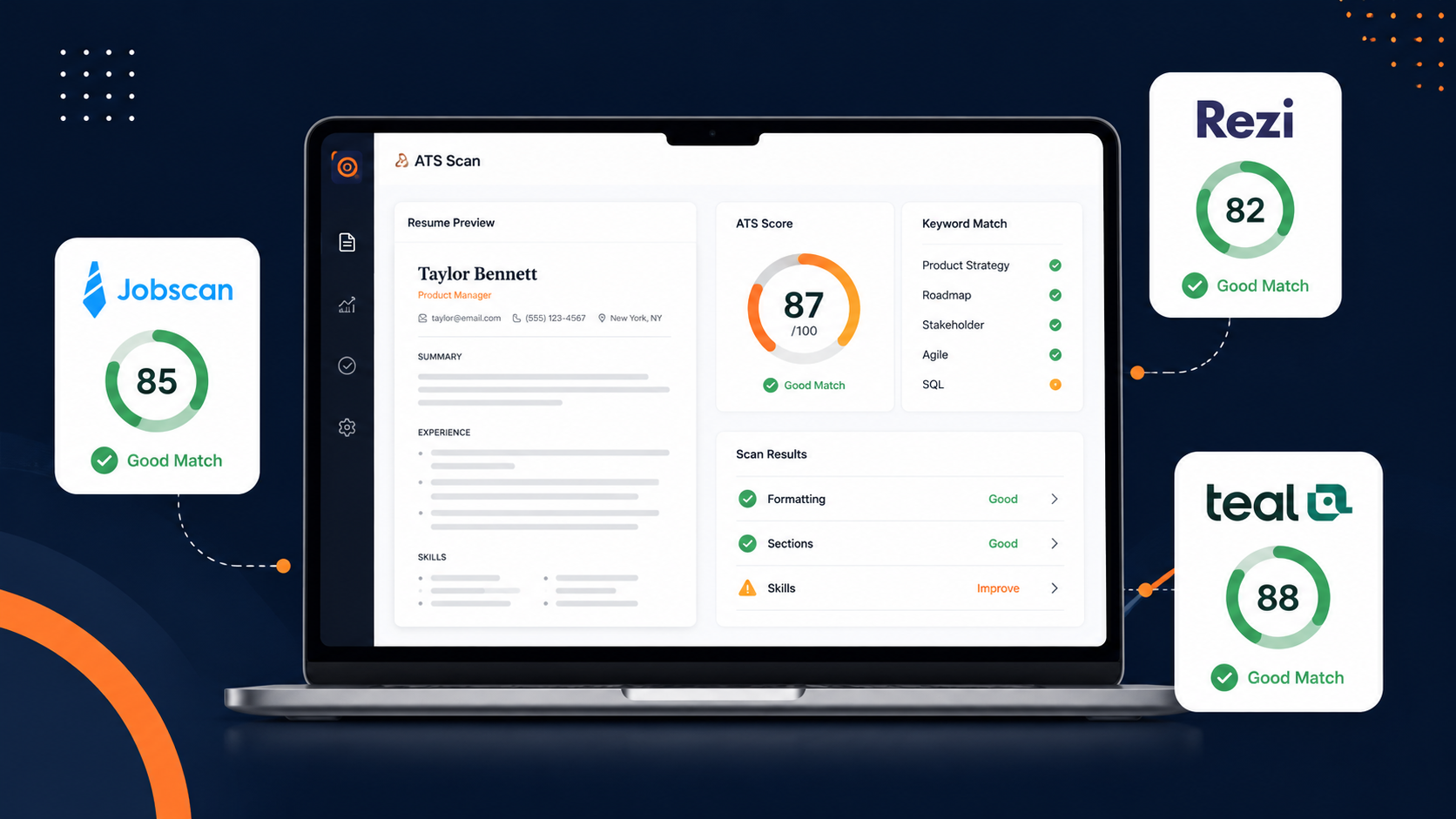
Use an ATS checker as a diagnostic tool, not as proof that an employer will rank the resume highly.
Toolytica’s comparison of the best ATS resume scanners explains which tools focus on parsing, job-description matching, and resume feedback.
Common ATS Resume Mistakes
| Mistake | What can go wrong | Safer alternative |
| Scanned PDF | Text may not be extractable | Export directly from Word or Docs as a text PDF |
| Two-column design | Sections may be reordered or merged | Use one continuous column |
| Contact details in header | Name or email may be omitted | Put details in the main body |
| Skills shown as icons | The skill name may be missing | Write each skill as text |
| Full-page table | Reading order may change | Use paragraphs and standard headings |
| Keyword stuffing | Poor readability and unsupported claims | Use truthful terms in relevant bullets |
| Generic filename | Harder for recruiters to identify | FirstName_LastName_Resume.pdf |
Tools That Can Help
Resume builders can help maintain a consistent structure, while scanners can compare the resume with a job description. Toolytica’s best AI resume builders for job seekers guide covers the broader market.
Rezi is oriented toward structured resumes, scoring, and keyword targeting. Kickresume provides more design options and a broader career toolkit. Resume.io is designed for quick document creation. Regardless of the tool, inspect the exported file rather than assuming the template is safe.
Final Recommendation
Use one clean master resume in DOCX and maintain a matching text-based PDF. For each application, follow the portal’s file instruction, submit the requested version, and verify the parsed fields before clicking Submit. Keep essential information out of headers, footers, graphics, tables, and text boxes.
PDF versus DOCX is not the most important decision. The more important question is whether the document contains real text in a predictable order, uses recognizable headings, and communicates relevant experience truthfully. A simple resume that parses cleanly and reads well for a recruiter is safer than a visually elaborate file with uncertain extraction.
Frequently Asked Questions
What is the best ATS friendly resume format?
There is no universal winner between PDF and DOCX. Major systems support both. Follow the employer’s instruction; otherwise use a simple text-based PDF and keep a DOCX backup.
Is PDF or DOCX better for ATS?
PDF preserves the final layout, while DOCX is editable and may work better in a portal that specifically requests Word format. Both can parse successfully, and both can fail when the layout is complex.
Can ATS read a two-column resume?
Some systems may extract it, but a columned layout creates a higher risk of reordered or skipped content. Greenhouse lists columned resumes among possible causes of incomplete parsing. One column is the safer default.
Can ATS read tables?
Table content may be extracted, but its reading order can differ from the visual layout. Avoid using tables for the main resume structure or for essential contact and experience information.
Can ATS read a scanned PDF?
A scanned PDF may contain only an image rather than selectable text. Greenhouse identifies image-based resumes as a parsing problem, and Workday documentation for its resume extraction API requires PDFs to contain text.
Should I put my contact information in the header?
No. Put it in the main document body. Some parsing systems can omit header, footer, or text-box content.
Does an ATS score guarantee an interview?
No. A tool’s score can identify formatting or keyword issues, but it cannot confirm an employer’s configuration, recruiter decision, candidate competition, or hiring outcome.