Best AI Tools for Social Media Posts in 2026: Create Better Content Without Automating Your Personality
Best AI Tools for Social Media Posts: Quick Verdict
The biggest mistake with AI social media tools is expecting one button to create a month of genuinely good content.
It can certainly create a month of content. Whether anyone wants to read it is another question.
The tools that are genuinely useful in 2026 do something less spectacular but more valuable: they remove repetitive work between an idea and a published post.
For most creators, these are the strongest choices:
| What You Need | Best Choice |
|---|---|
| Best overall visual content tool | Canva |
| Best AI writing + scheduling combination | Buffer |
| Best for ideas, rewriting and repurposing | ChatGPT |
| Best Canva alternative | Adobe Express |
| Best for Instagram/TikTok-focused planning | Later |
| Best free social scheduling setup | Buffer |
| Best for creating both images and captions | Canva |
| Best for turning one piece of content into many formats | ChatGPT |
| Best creator workflow on a small budget | Buffer + Canva Free |
My overall recommendation is not one tool.
It is Canva for the visual layer and Buffer for publishing, with ChatGPT added when content strategy, research or serious repurposing becomes part of the workflow.
That combination is usually more useful than buying an expensive “AI social media platform” and expecting it to understand your audience automatically.
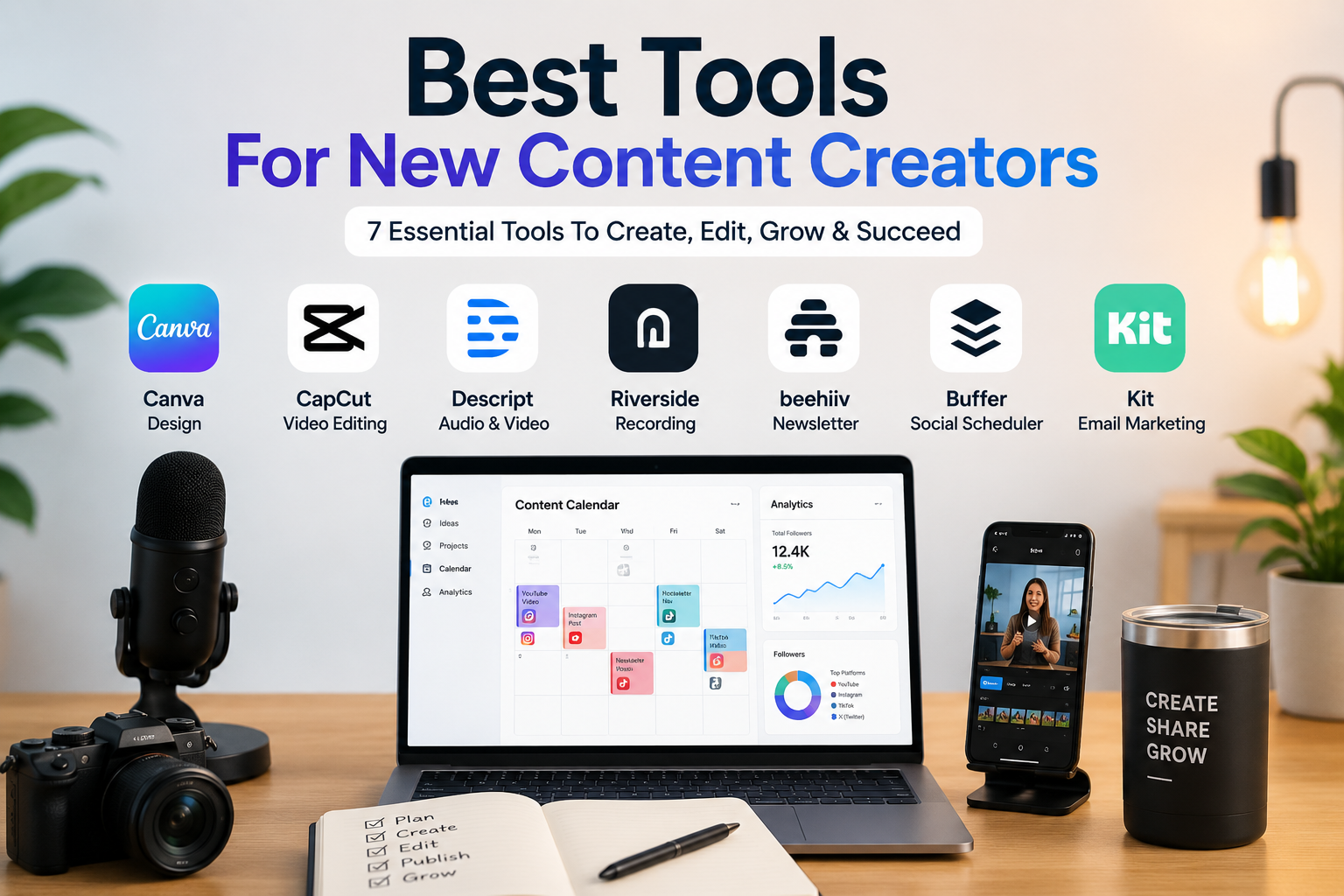
Creators building a broader stack should also see our Best Tools for New Content Creators guide, where social content is treated as only one part of the creator workflow.
AI Is Best at the Middle of the Social Media Workflow
Social content creation has roughly five stages:
Idea → Draft → Visual → Adaptation → Publishing
The interesting thing is that no tool in this guide is equally good at all five.
ChatGPT is excellent at the first three words of that chain: ideas, drafts, and adaptation.
Canva dominates once the idea needs to become something visual.
Buffer becomes useful when that content needs to be adapted, queued and published repeatedly.
Later makes more sense when planning the feed, posting frequency, analytics and social workflow matter as much as writing.
Adobe Express sits somewhere between Canva and a scheduler.
That is why comparing AI tools solely by asking them:
“Write an Instagram caption about productivity”
tells you almost nothing.
Nearly every modern AI can produce a plausible caption.
The real test is whether the tool can turn:
“I published a 1,500-word article about three productivity mistakes freelancers make”
into a LinkedIn post, a short Threads post, an Instagram carousel outline, a TikTok hook and a week’s worth of related ideas without losing the original argument.
That is a much more realistic creator problem.
The Best AI Social Media Tools Compared
| Tool | Free Option | Paid Starting Point | AI Strength | Scheduling |
|---|---|---|---|---|
| Canva | Yes | Pro: $144/year | Visual generation + design | Pro |
| Buffer | Yes | Essentials: $5/channel/month annually | Captions + repurposing | Yes |
| ChatGPT | Yes | Go: $8/month US; Plus: $20/month | Writing + ideation + repurposing | Not a traditional social scheduler |
| Adobe Express | Yes | Premium: $9.99/month | Visual creation + AI captions | Yes |
| Later | Trial | Starter: $18.75/month annually | Ideas + captions | Yes |
Pricing is shown in USD where an official US price is publicly available. Local currencies, taxes and promotional pricing may differ.
1. Canva: Best AI Tool for Actually Making the Post
Canva is the obvious recommendation when “social media content” means more than text.
Its advantage is not that its AI writes better captions than every language model. It is that an idea can move directly into a finished Instagram post, carousel, Story, Pinterest graphic, short video or ad without leaving the workspace.
Canva’s current Free plan includes more than 1.6 million templates, 4.7 million media assets, 5 GB of storage and an AI allowance of up to 200 Standard AI uses or 20 Premium AI uses, depending on which type of AI feature you consume. Canva Pro increases the AI allowance substantially and adds premium media, Magic Resize, background removal, additional Brand Kits and social content scheduling.
Where Canva AI Actually Saves Time
A normal creator workflow might begin with:
Create an Instagram carousel explaining five ways freelancers waste time.
Canva can help generate the initial visual direction, then you can edit the copy inside the design, apply brand fonts and colors, resize it for another format and prepare it for publishing.
The more useful AI tools are often not the dramatic generation features.
Magic Resize matters because you do not want to manually rebuild a square post as a Story.
Magic Write matters when a heading or caption needs a second version.
Background generation and editing matter when an otherwise useful product photograph needs a cleaner composition.
Bulk creation becomes useful when several variations need to follow the same design system.
And Canva Pro includes social content scheduling, meaning the final design does not necessarily need another export-import step before publication.
Canva’s AI Limits Matter More Than They Used To
Canva now explicitly differentiates between Standard, Premium and Ultra AI usage.
On Free, the estimated monthly allowance can reach 200 Standard uses or 20 Premium uses. Pro provides roughly ten times the Free AI allocation: up to 2,000 Standard, 200 Premium or 20 Ultra uses when using one tier rather than a mixture. Actual consumption varies by tool and task complexity.
That means “Canva includes AI” is no longer sufficiently precise.
A casual creator will probably not care.
Someone generating large numbers of AI images, edits and variations should.
Canva Pricing
Canva currently lists:
- Canva Free: $0
- Canva Pro: $144/year for one person
- Canva Business: $250/year per person
Pro includes 100 GB of cloud storage, five Brand Kits, social scheduling, premium templates and media, and the larger AI allowance.
Canva Verdict
Choose Canva when the final output needs to look finished, not merely sound finished.
Its weakness is writing depth. Canva can produce captions and marketing copy, but I would not make it my primary thinking tool for complex positioning, nuanced long-form repurposing or fact-heavy content.
That is where ChatGPT becomes more useful.
Students choosing between these two design platforms can read our complete Canva vs Adobe Express comparison for presentations, posters, social content, and school projects.
2. Buffer: Best AI Tool for Going From Draft to Published Post
Buffer is the tool I would recommend to most solo creators who are tired of copying content between a chatbot and five social apps.
Its AI Assistant sits directly inside the content workflow. It can generate captions, rewrite drafts, change tone, shorten or expand posts and repurpose existing material. Buffer says its AI Assistant is available on its current plans with unlimited AI credits.
More importantly, the result is already inside a scheduler.
That removes a surprisingly annoying part of AI-assisted social media creation.
Where Buffer Beats a General AI Chatbot
Imagine you have this LinkedIn post:
Most productivity systems fail because people spend more time maintaining them than using them…
You want a Threads version.
With ChatGPT, you paste it into the conversation, explain the network, request a rewrite, copy the result and return to your scheduling tool.
In Buffer, that transformation happens in the composer.
You can generate a draft, rephrase it, shorten it, expand it, make it more casual or formal, then place it directly into your queue. Buffer’s AI Assistant is also designed to generate ideas and captions from within its Create workspace.
This is not a question of which AI model can write the more beautiful paragraph.
It is about eliminating four small actions that become irritating when you publish every day.
Buffer’s Free Plan Is Genuinely Useful
Buffer currently lets Free users connect up to three channels.
The plan includes:
- 10 scheduled posts per channel at a time;
- 100 stored ideas;
- Unlimited drafts;
- AI Assistant;
- Basic insights;
- Community inbox;
- One user.
That is enough for a solo creator running, for example:
Instagram + LinkedIn + Threads
without paying anything.
Buffer currently supports a broad mix of platforms including Instagram, Facebook, LinkedIn, Threads, TikTok, Pinterest, YouTube Shorts, X, Bluesky, Mastodon and Google Business Profile.
Where the Free Limit Actually Hurts
The “10 scheduled posts per channel” limit is not ten posts every month.
It is ten posts waiting in the queue at one time.
Publish one and a slot becomes available again.
For someone planning three posts per week, this is perfectly workable.
For somebody preparing six weeks of daily content before going on vacation, it becomes restrictive.
Buffer Pricing
Current annual-billing pricing starts at:
- Free: $0, up to 3 channels
- Essentials: $5/month per channel, $60 billed yearly
- Team: $10/month per channel, $120 billed yearly
Paid plans include unlimited scheduled posts and ideas. Team adds unlimited team members, access levels and approval workflows. Buffer offers a 14-day paid-plan trial and states that annual billing provides a 20% discount.
Buffer Verdict
Buffer is probably the best value tool in this article.
It does not create Canva-level designs or ChatGPT-level research workflows.
But for the repeated daily job of:
idea → caption → adaptation → schedule → publish
it is unusually efficient.
3. ChatGPT: Best for Ideation and Serious Content Repurposing
ChatGPT becomes more valuable when a social post begins somewhere else.
A webinar.
A blog article.
A product document.
An interview transcript.
A YouTube script.
A collection of customer questions.
That is where a general-purpose AI assistant has an advantage over a caption generator.
ChatGPT can work with uploaded material, generate and edit images, search when current information is required, and handle longer conversational workflows rather than producing one isolated caption. Image generation is currently available across ChatGPT plans, with additional image capabilities and higher access on paid tiers.
The Difference Is Context
A weak prompt is:
Write five posts about my article.
A much better prompt is:
Read this article. Identify the three ideas that challenge conventional advice. Turn each into:
- one LinkedIn post of 120–180 words;
- one Threads post under 500 characters;
- an Instagram carousel with a maximum of seven slides;
- one 20-second short-video hook.
Preserve the article’s claims. Do not introduce statistics that are not in the source. Avoid generic motivational language. Each format should feel native to its platform rather than like shortened copies of the same text.
The second prompt gives the model something meaningful to solve.
This is where ChatGPT becomes less of a “caption generator” and more of a content editor.
If you are choosing between general AI assistants for this part of the workflow, our ChatGPT vs Claude comparison goes deeper into writing, prompt adherence, research and document handling.
ChatGPT Is Especially Good at Content Expansion and Compression
One original idea can become:
- A LinkedIn argument;
- Three short Threads posts;
- An X thread;
- An Instagram carousel;
- Five hooks;
- A YouTube Short script;
- A FAQ post;
- A contrarian post;
- A short newsletter section.
The important part is asking for different editorial angles, not simply different lengths.
If you request:
“Repurpose this for Instagram, LinkedIn and X”
you often receive the same thought wearing three different character limits.
Instead ask:
LinkedIn: emphasize the professional lesson.
Instagram: make the insight visual and educational.
X: isolate the strongest opinion.
TikTok: begin with the mistake, not the solution.
The quality improves because the platform has a role.
ChatGPT Pricing
ChatGPT still has a Free tier. OpenAI currently lists ChatGPT Go at $8/month in the US with localized pricing in some markets, while ChatGPT Plus costs $20/month. Plus expands model/tool access and includes broader image generation, file analysis, research and custom GPT capabilities.
You do not need Plus merely to write captions.
Paying becomes more defensible when you also use ChatGPT for research, images, documents, strategy and other creator work.
ChatGPT Verdict
Use ChatGPT when the social post is part of a larger content system.
If you simply need “caption + schedule,” Buffer is more efficient.
If you need to turn one substantial idea into a week’s worth of genuinely different content, ChatGPT is much more interesting.
4. Adobe Express: Best Canva Alternative With a Surprisingly Strong Free Scheduler
Adobe Express deserves more attention from creators who immediately default to Canva.
It combines templates, photo and video editing, Firefly-powered generative tools and a built-in Content Scheduler. Adobe has also added AI caption generation directly to the scheduling workflow.
The surprising part is how much of the publishing workflow is available free.
Adobe Express Free Is More Generous Than It Looks
The current Free plan includes:
- 100,000+ static and video templates;
- 1M+ royalty-free Adobe Stock assets;
- 4,000+ fonts;
- Basic photo/video/document editing;
- Scheduling to one account per social network;
- 5 GB storage;
- 10-day version history.
Adobe’s current scheduler documentation says Free users can connect supported social channels including TikTok, Instagram, Facebook, X, Pinterest and LinkedIn, and its social scheduler page currently advertises up to 1,000 scheduled posts per month.
That makes Adobe Express unusually compelling for a creator who wants design + scheduling without a subscription.
Premium Adds the Features Creators Will Notice
Adobe Express Premium currently costs $9.99/month in the US.
It adds:
- 250 monthly generative AI credits;
- Premium templates;
- 200M+ royalty-free assets;
- 30,000+ fonts;
- One-click resizing;
- 100 GB storage;
- 30-day version history;
- Scheduling for three accounts per social network.
For someone managing several Instagram or TikTok accounts, that last difference may matter more than the AI.
Where Adobe Express Beats Canva
Not universally.
But it is compelling when you already use Adobe tools or want Firefly-powered creation tied to an integrated social scheduler.
Adobe also explicitly positions its supported Firefly generative features for commercial use, which may appeal to creators producing branded or client-facing assets.
Where Canva Still Feels Easier
Canva’s template ecosystem and creator-oriented workflow are difficult to beat.
It tends to be the easier recommendation for someone who wants to open a template, change five things and publish.
Adobe Express makes more sense when you appreciate Adobe’s editing ecosystem or when its free scheduling limits happen to fit your workflow better.
Adobe Express Verdict
Adobe Express is the strongest alternative to Canva in this article and arguably has the more interesting free create-and-schedule proposition.
I would test both before paying.
5. Later: Best for Creators Who Treat Social Media as a Calendar
Later feels different from the first four tools because its center of gravity is planning.
The calendar comes first.
Then the posts.
Then the captions, publishing, analytics, best-time recommendations and AI.
That makes it particularly appropriate for Instagram- and TikTok-heavy creators who think visually about what the next two weeks of content should look like.
Later currently supports Instagram, Facebook, TikTok, Threads, Pinterest, LinkedIn, YouTube and Snapchat in its paid social sets.
The AI Features Are Useful but More Limited Than the Marketing Might Suggest
Later includes two core AI creation functions:
Ideas generates content pillars and concepts.
Caption Writer generates captions.
But these features consume monthly credits.
The current rules are simple:
1 credit = 1 caption or 3 generated ideas.
That becomes important when you examine the plans.
Starter includes only 5 AI credits per month.
That means five generated captions.
Not five captions per day.
Five per month.
For a tool marketed around AI-assisted social content, that is a practical limitation worth knowing before subscribing.
Later Pricing
With annual billing, Later currently lists:
Starter — $18.75/month
- 1 social set / up to 8 profiles
- 1 user
- 30 scheduled posts per profile/month
- 5 AI credits/month
- Up to 3 months of platform analytics
- 14-day free trial
Growth — $37.50/month
- 2 social sets / up to 16 profiles
- 2 users
- 180 posts per profile/month
- 50 AI credits/month
- Collaboration and approval tools
- Social inbox
- Up to one year of analytics
Scale — $82.50/month
- 6 social sets / up to 48 profiles
- 4 users
- Unlimited posts
- 100 AI credits/month
- Competitive benchmarking
- Custom analytics
- Social listening-related features
- Up to two years of analytics.
Annual billing is currently advertised at a 25% saving versus monthly pricing.
Later Verdict
Later makes sense when content planning, analytics and publishing are the core problem.
I would not subscribe to Starter primarily for AI generation.
Five monthly AI credits are too limited for that to be the reason you choose the product.
Its value is the social workflow surrounding those AI features.
Which Tool Writes the Best Social Media Captions?
This is where comparisons become misleading.
A caption does not become good because the AI uses more adjectives.
The best result depends heavily on what information you provide.
Consider this prompt:
Write a LinkedIn post announcing our new productivity app.
Almost every AI tool will produce some version of:
🚀 Exciting news! We’re thrilled to announce…
That is technically acceptable.
It is also exactly the sort of content people scroll past.
Instead try:
Write a LinkedIn post for freelancers who already use too many productivity tools. We are launching an app that combines time tracking and task planning. Do not announce it in the first sentence. Start with the frustration of switching between tools. Keep it under 180 words. No “excited,” “game-changer,” “revolutionary,” or generic productivity claims. Mention the product only after the problem has been established.
The AI now has something to work with.
What Each Tool Does Best With That Prompt
ChatGPT gives you the most room to refine the argument and iterate on voice.
Buffer is better once you already understand the message and need a network-ready version.
Canva is useful when the caption and visual need to develop together.
Adobe Express works similarly but becomes especially attractive when Firefly and Adobe assets are already part of your creative process.
Later is convenient when the caption is being created inside an existing planned social calendar.
The quality difference between tools is often smaller than the quality difference between good and bad context.
The Prompt Formula I Would Actually Use
For social posts, give the AI five pieces of information:
Source — What is the post based on?
Audience — Who specifically should care?
Platform — LinkedIn is not TikTok.
Angle — What is the one idea worth remembering?
Constraints — Tone, length, claims, words to avoid.
For example:
Source: the attached article about AI resume scanners.
Audience: professionals actively applying for jobs.
Platform: LinkedIn.
Angle: chasing a perfect ATS score can make a resume worse.
Constraint: 150 words maximum. No invented statistics. Do not say “in today’s competitive job market.” Avoid motivational language. End with a practical question rather than a sales CTA.
That one prompt will usually produce something more usable than ten clicks on “Generate caption.”
Repurposing Is Where AI Saves the Most Time
AI is much more valuable when you already have original material.
Suppose you publish one 1,500-word blog article.
Instead of asking AI to invent five unrelated social posts, extract different pieces of that article.
A practical sequence could be:
Post 1: Main conclusion
Post 2: Most surprising detail
Post 3: Common mistake
Post 4: Short comparison
Post 5: Question or disagreement the article raises
Now you have five posts derived from one researched source without pretending AI independently created five pieces of expertise.
For video-first creators, the same principle applies. A long recording can produce multiple social clips, then AI can help generate hooks, captions and descriptions around them.
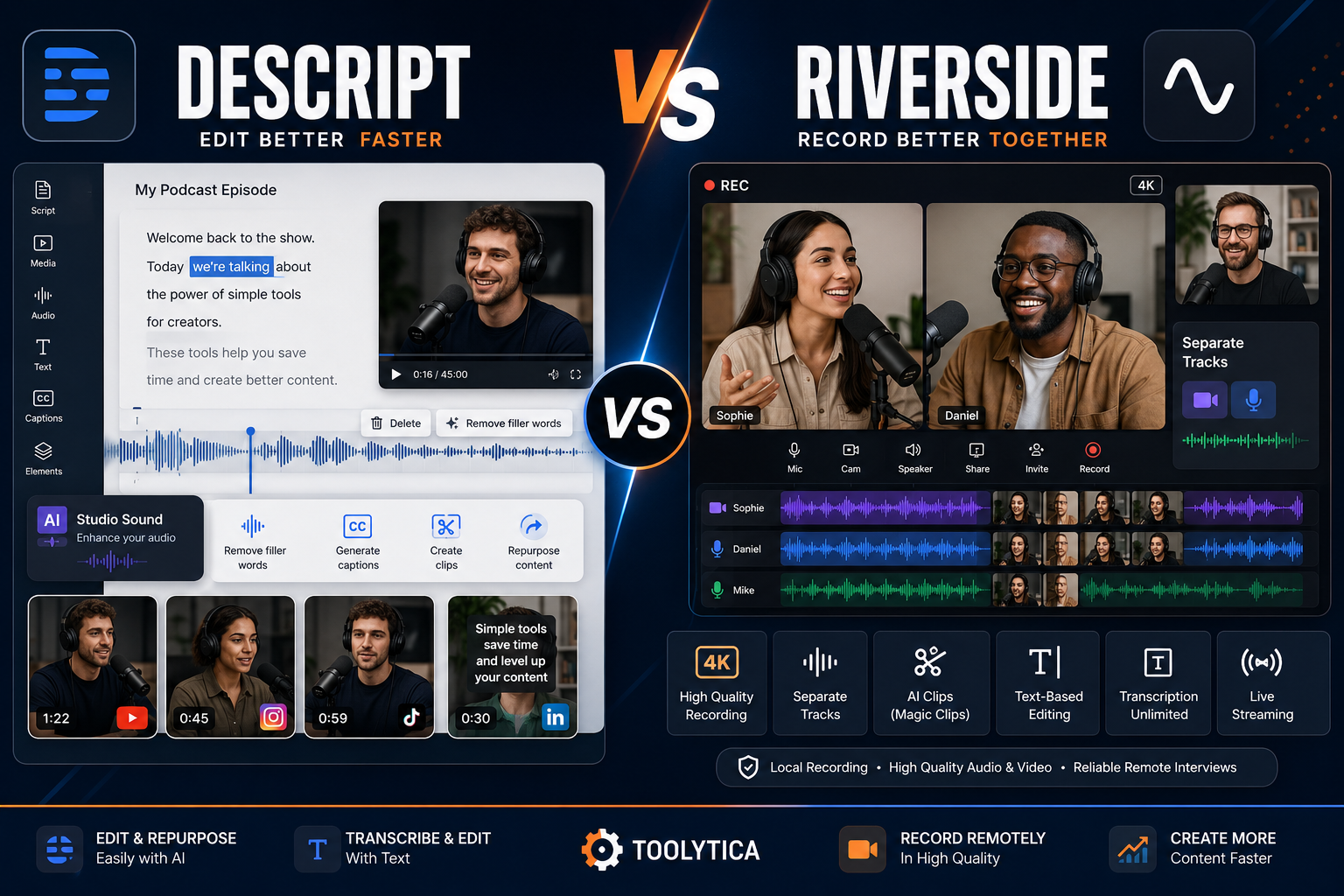
If video repurposing is central to your workflow, our Descript vs Riverside comparison covers the recording and editing side more directly.
Why Fully Automated Social Media Usually Sounds Bad
The technology is not the main problem.
The feedback loop is.
An automated tool does not automatically know:
- What your audience is tired of hearing;
- Which opinion you genuinely hold;
- Which customer question keeps appearing;
- Which joke is appropriate for your brand;
- Which experience happened to you personally;
- Which claim you can actually defend.
Without that information, AI defaults toward statistically safe language.
And statistically safe social copy often sounds exactly like everybody else’s AI-generated social copy.
You see the patterns quickly:
“In today’s fast-paced world…”
“Here are five game-changing tips…”
“Whether you’re a beginner or a seasoned professional…”
“Ready to take your X to the next level?”
The solution is not necessarily another AI model.
It is better source material and stricter editing.
AI Cannot Verify Every Claim in Your Post
This matters particularly for educational, business, finance, health and product-comparison accounts.
Do not assume that an AI-generated statistic, product feature, quotation or trend is correct because it sounds plausible.
If a post says:
“Instagram’s algorithm now prioritizes X over Y”
you need an actual current source.
The same applies to:
- Product pricing;
- Software limits;
- Laws;
- Survey results;
- Market statistics;
- Platform rules;
- Feature availability;
- Quotes.
Buffer itself explicitly recommends double-checking AI suggestions because generated content has known limitations.
That should be standard practice regardless of which tool you use.
The Cheapest Setup I Would Recommend
For a new creator, I would not subscribe to all five.
Start with:
Canva Free
Create the graphics.
Buffer Free
Connect up to three social channels and schedule the posts.
ChatGPT Free
Develop ideas, transform long-form content and refine difficult captions.
All three currently have usable free access. Canva includes limited AI and 5 GB storage; Buffer includes three channels, AI Assistant and ten queued posts per channel; ChatGPT Free provides access to core conversational and image-generation functionality with lower usage limits than paid plans.
That is a surprisingly capable creator stack for $0/month.
Pay only when you can identify the actual bottleneck.
What I Would Upgrade First
If your problem is visual consistency:
Upgrade Canva.
If scheduling limits become annoying:
Upgrade Buffer.
If content research, long-form repurposing and image generation become part of your daily workflow:
Upgrade ChatGPT.
If you prefer Adobe’s design ecosystem:
Upgrade Adobe Express instead of Canva.
If you manage a serious visual content calendar with multiple accounts or collaborators:
Consider Later Growth rather than Starter.
The important point is that the best subscription depends on what is slowing you down.
Not which pricing page contains the most AI logos.
Real Creator Workflows
A Blogger Turning Articles Into Social Traffic
I would use:
ChatGPT → Canva → Buffer
ChatGPT identifies the strongest ideas and rewrites them for each platform.
Canva converts selected ideas into carousels or graphics.
Buffer schedules everything.
This is probably the most flexible setup for a content site.
An Instagram-First Creator
I would start with:
Canva + Buffer
If analytics, visual planning and content-calendar management eventually become more important, test Later.
A Solo Business Owner
Adobe Express is unusually compelling here because the Free tier combines creation with substantial scheduling functionality.
If brand assets and design become more elaborate, Canva Pro becomes the stronger creative investment.
A Creator Publishing Across Six Networks
Buffer becomes attractive because its AI Assistant can adapt content inside the publishing workflow.
However, its pricing is channel-based, so calculate the actual number of accounts before assuming the $5 headline price represents your total subscription.
A Social Media Manager Working With Clients
Later Growth begins to make more sense because approvals, multiple profiles, shared workflows and a social inbox become relevant.
At larger scale, products such as Hootsuite become worth considering because they add deeper monitoring, listening, competitive analysis and team workflows beyond simple AI post generation. Hootsuite’s current Standard plan includes AI-generated captions and images, unlimited scheduling, up to ten social accounts, listening and competitor benchmarking.
Final Recommendation
The best AI tools for social media posts are not necessarily the tools that generate the most text.
They are the tools that remove friction without removing the creator.
Canva is the best overall visual tool. It makes the most sense when a social post has to become a finished image, carousel, Story or short video rather than remain a paragraph.
Buffer is my best overall recommendation for social publishing. Its Free plan is unusually usable, AI generation lives directly inside the workflow, and its scheduler prevents the familiar cycle of copying content between four different applications.
ChatGPT is the strongest thinking and repurposing tool. It is the one I would use to transform articles, transcripts, notes and existing ideas into platform-specific content rather than generating endless generic posts from scratch.
Adobe Express is the strongest Canva alternative, particularly because its free scheduling capabilities are surprisingly generous.
Later is the better choice when social planning itself is the product you need, especially for creators or teams managing a structured visual content calendar. Its AI tools are useful, but the current Starter plan’s five monthly AI credits are too restrictive for AI alone to justify the subscription.
For most solo creators, my starting setup would be:
ChatGPT Free + Canva Free + Buffer Free.
Use that until something becomes inconvenient.
Then pay to remove that inconvenience.
That is a much better creator strategy than collecting subscriptions because each one promises to “10x your content.”
Frequently Asked Questions
What Are the Best AI Tools for Social Media Posts?
Canva is best for visual creation, Buffer for AI-assisted writing and scheduling, ChatGPT for ideation and repurposing, Adobe Express for combined design and scheduling, and Later for visual content planning and social management.
What Is the Best Free AI Tool for Social Media?
Buffer has one of the strongest free social-media-specific offers because its current Free plan includes AI Assistant, up to three channels and ten scheduled posts per channel.
ChatGPT Free is more capable when you need deeper ideation or rewriting, while Canva Free is the stronger option for actual post design.
Can AI Write Instagram Captions?
Yes. Buffer, Later, Adobe Express, Canva and ChatGPT can all assist with social copy or captions.
The quality depends heavily on the information you give them. A caption generated from the audience, objective, source material and brand voice will usually be much stronger than one generated from “write an Instagram caption.”
Can AI Schedule Social Media Posts?
Some tools combine generation and scheduling.
Buffer, Canva Pro, Adobe Express and Later all offer social scheduling, although supported networks, account limits and plan restrictions differ.
Is Canva or Buffer Better for Social Media?
They solve different problems.
Choose Canva when creation and design are the main workload.
Choose Buffer when writing, adaptation and scheduling across several social networks are the main workload.
Using both together makes more sense than treating them as direct substitutes.
Is Canva Pro Worth It for Social Media?
Canva Pro becomes easier to justify when you regularly use premium assets, Brand Kits, background removal, Magic Resize, higher AI allowances and social scheduling. It currently costs $144/year for one individual in the US.
Occasional creators can do a surprising amount with Canva Free.
Is Buffer AI Free?
Yes. Buffer currently includes its AI Assistant on the Free plan, and its pricing page describes AI Assistant usage as unlimited. The Free plan also includes up to three connected channels and ten scheduled posts per channel at one time.
Is Later Free?
Later’s current public social-media-management pricing centers on paid Starter, Growth and Scale plans with a 14-day free trial, rather than advertising a permanent free social-management tier on the current pricing page. Starter currently begins at $18.75/month when billed annually.
Which AI Tool Is Best for Repurposing Content?
ChatGPT is the strongest option in this group when the source material is substantial, such as a blog article, report, transcript or long video script.
Buffer is more convenient when the original content is already short and the objective is simply to adapt it and schedule several network-specific versions.
Should I Let AI Automatically Publish My Content?
I would keep a human review step.
Check factual claims, links, names, tone, formatting and whether the post actually says something worth publishing. AI is excellent at reducing repetitive work; it is much less reliable as an unsupervised editor-in-chief.