Grammarly vs QuillBot: Which AI Writing Tool Should You Choose?
Quick Verdict
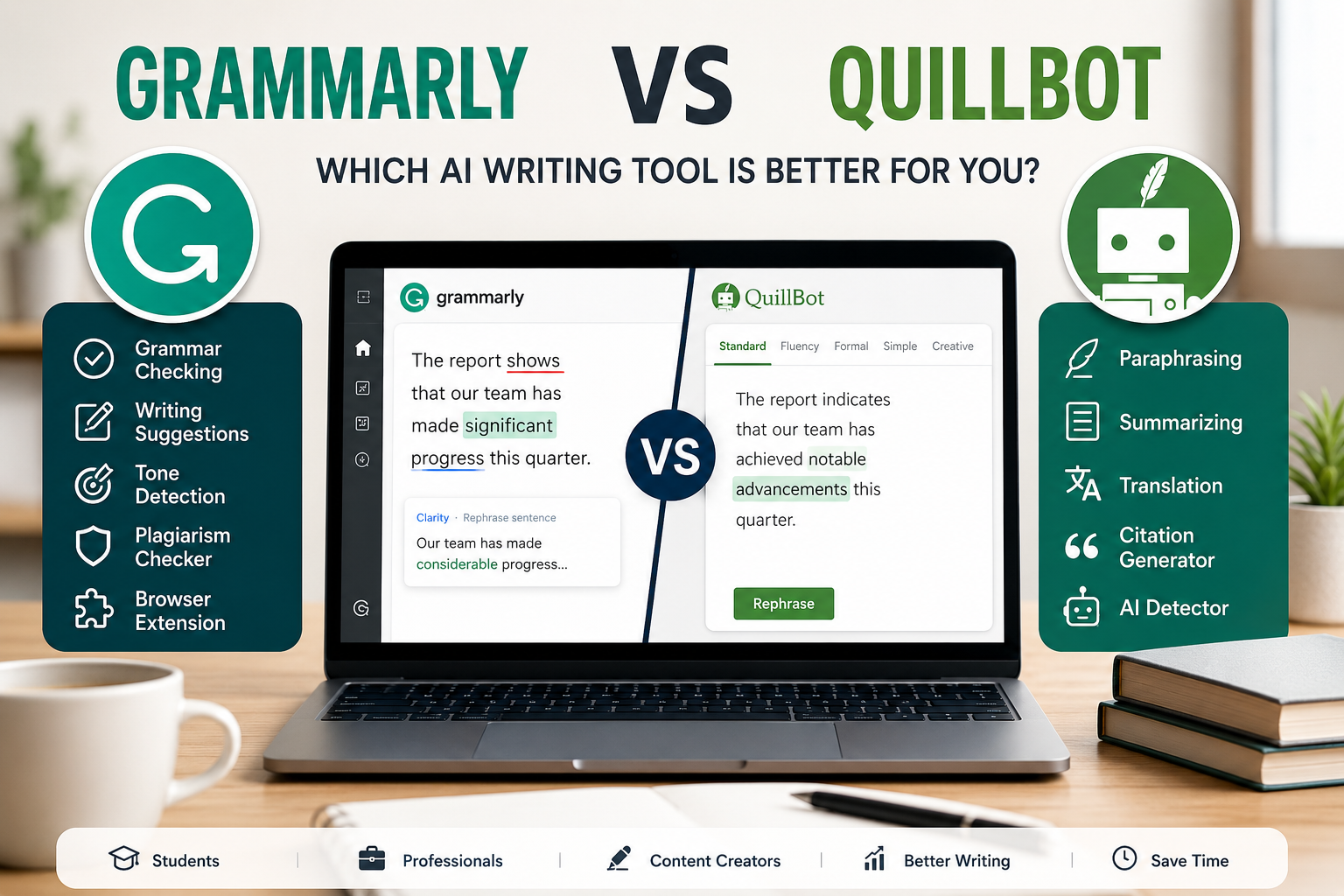
Grammarly is the better choice if you want a polished writing assistant for emails, professional communication, grammar correction, tone improvement, and everyday writing across apps.
QuillBot is the better choice if you mainly need paraphrasing, rewriting, summarizing, citation support, translation, and flexible writing tools for school, research, or content repurposing.
If you want the simplest answer:
- Choose Grammarly if your main goal is to write more clearly and professionally.
- Choose QuillBot if your main goal is to rewrite, summarize, or transform existing text.
- Choose Grammarly for workplace writing.
- Choose QuillBot for students, research, paraphrasing, and content drafting.
- Use both if you write often and need grammar correction plus rewriting support.
Grammarly vs QuillBot at a Glance
| Use Case | Better Choice |
|---|---|
| Grammar correction | Grammarly |
| Professional emails | Grammarly |
| Tone suggestions | Grammarly |
| Paraphrasing | QuillBot |
| Summarizing text | QuillBot |
| Citation support | QuillBot |
| Academic rewriting | QuillBot |
| Business communication | Grammarly |
| Everyday browser writing | Grammarly |
| Research and study workflows | QuillBot |
| Best all-around writing polish | Grammarly |
| Best text transformation toolkit | QuillBot |
What Is Grammarly?
Grammarly is an AI writing assistant built to help users write more clearly, correctly, and professionally.
It is best known for grammar checking, spelling correction, punctuation support, tone suggestions, sentence rewrites, clarity improvements, and writing assistance across browsers, apps, email tools, documents, and other writing environments.
Grammarly is especially useful when the text is yours and you want to improve how it sounds. For example, it can help with:
- Emails;
- Work messages;
- Reports;
- Cover letters;
- LinkedIn posts;
- Documents;
- Website copy;
- Client communication;
- Everyday writing.
Its strength is not only correcting mistakes. Its real value is helping users sound clearer, more confident, and more polished.
What Is QuillBot?
QuillBot is an AI writing toolkit focused on rewriting, paraphrasing, summarizing, translating, checking grammar, generating citations, and transforming text into different versions.
QuillBot is especially useful when you already have text and want to reshape it. For example, it can help with:
- Rephrasing a sentence;
- Summarizing a long article;
- Rewriting academic notes;
- Creating alternative versions of a paragraph;
- Checking grammar;
- Translating text;
- Generating citations;
- Condensing research material.
Its strength is flexibility. QuillBot feels less like a writing coach and more like a toolbox for manipulating and improving existing text.
Main Difference Between Grammarly and QuillBot
The main difference is simple:
Grammarly improves how you write.
QuillBot changes, rewrites, and repurposes what you write.
That distinction matters because many users compare them as if they solve the exact same problem. They overlap in grammar checking and AI writing support, but they are not identical tools.
Grammarly is stronger when you want your writing to sound natural, professional, and polished. QuillBot is stronger when you need multiple versions, summaries, paraphrases, or writing support around existing content.
Grammarly: Best For Writing Clearly and Professionally
Grammarly works best when you are writing from scratch or editing your own text.
It is particularly strong for users who write emails, documents, applications, professional messages, and public-facing content.
Grammarly Is Best For
- Professionals who write emails and reports;
- Job seekers writing resumes and cover letters;
- Freelancers communicating with clients;
- Non-native English speakers who want cleaner writing;
- Students who need grammar and clarity support;
- Creators writing captions, scripts, newsletters, or posts;
- Anyone who wants real-time writing suggestions.
Where Grammarly Feels Strong
Grammarly is strong because it works directly inside many writing environments. That means you do not always need to copy and paste your text into a separate tool.
For everyday users, this matters. A writing assistant is more useful when it appears where you already write.
Grammarly is also strong for tone and clarity. It can help make a sentence sound more confident, less harsh, more concise, or easier to read.
That makes it valuable for professional communication, where the way you say something often matters as much as the grammar itself.
QuillBot: Best For Paraphrasing, Summarizing, and Rewriting
QuillBot works best when you already have text and want to transform it.
It is especially helpful for students, researchers, writers, bloggers, and users who need to rewrite ideas in clearer or different wording.
QuillBot Is Best For
- Students summarizing notes;
- Researchers condensing long material;
- Bloggers rewriting drafts;
- Non-native English speakers exploring alternative phrasing;
- Users who need paraphrasing support;
- People who want quick summaries;
- Anyone working with citations or study material.
Where QuillBot Feels Strong
QuillBot is strong because it gives users multiple writing tools in one place. Instead of only correcting text, it helps reshape it.
The paraphrasing feature is the clearest example. You can take a sentence or paragraph and generate alternative versions. That can be useful when you want to simplify a sentence, avoid repetition, or test different writing styles.
The summarizer is another important feature. It can help reduce long text into shorter versions, which is useful for notes, research, articles, and study workflows.
Feature Comparison
| Feature | Grammarly | QuillBot |
|---|---|---|
| Grammar checking | Strong | Good |
| Spelling correction | Strong | Good |
| Tone suggestions | Strong | Limited compared with Grammarly |
| Sentence rewrites | Strong | Strong |
| Paraphrasing | Good, but not the main focus | Strong |
| Summarizing | Limited compared with QuillBot | Strong |
| Citation support | Available through Grammarly tools, but not the core use case | Strong |
| Plagiarism checking | Available on paid plans/features | Available on paid plans/features |
| AI writing support | Strong | Strong |
| Browser extensions | Yes | Yes |
| Best for professional writing | Yes | Less ideal |
| Best for rewriting text | Good | Yes |
| Best for students | Good | Very good |
| Best for workplace communication | Very good | Good |
Ease of Use
Grammarly is easier for users who want writing support without changing their workflow.
Once installed, it can work while you write in emails, documents, browsers, and other platforms. For many people, that makes Grammarly feel invisible in a good way. It corrects and improves your writing while you work.
QuillBot is also easy to use, but it often feels more like a destination tool. You go to QuillBot when you want to paraphrase, summarize, translate, or rewrite something.
That is not a weakness. It simply means the workflow is different.
Choose Grammarly if you want help while writing.
Choose QuillBot if you want a set of writing tools you can open when needed.
Writing Quality
Grammarly generally produces more natural suggestions for professional and everyday communication.
Its corrections tend to focus on clarity, tone, grammar, and readability. This makes it strong for emails, messages, reports, and content that needs to sound polished.
QuillBot is more useful when you want options. Its paraphrasing tool can generate multiple versions of the same idea, which is helpful when a sentence feels repetitive, too complex, or too close to the original.
However, paraphrased text still needs human review. A rewritten sentence can be grammatically correct but still sound unnatural, too generic, or slightly different from the intended meaning.
For final writing quality, Grammarly usually feels safer.
For generating alternative wording, QuillBot is more flexible.
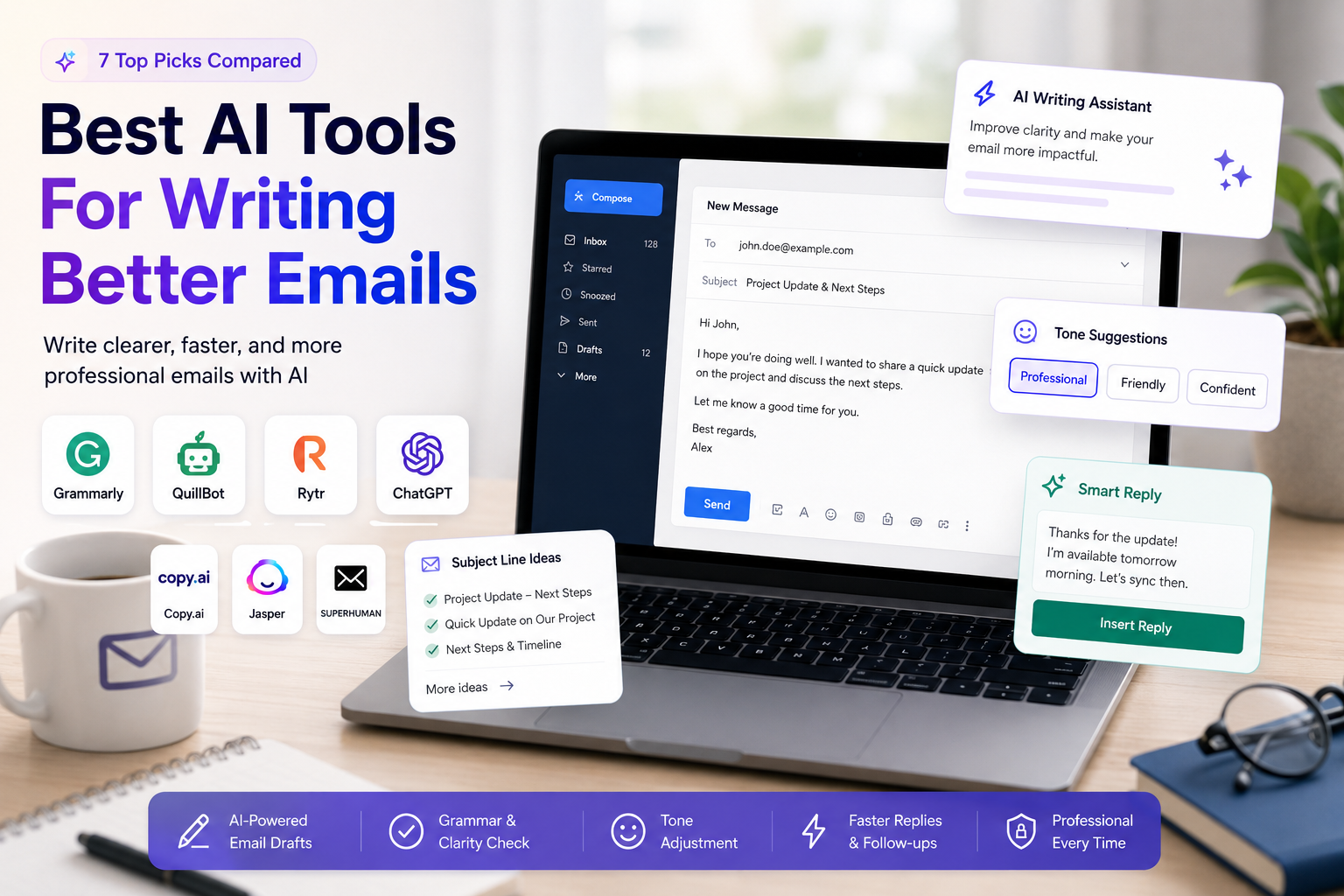
For users who mainly need help drafting and polishing professional messages, we also compare the best AI email writing tools.
Pricing Considerations
Both Grammarly and QuillBot offer free access with limitations and paid plans with additional features.
Because pricing, plan names, limits, and included features can change over time, readers should always verify current pricing directly on each official website before subscribing.
In practical terms:
- Grammarly is easier to justify if you write frequently for work, clients, applications, or public communication.
- QuillBot is easier to justify if you frequently paraphrase, summarize, translate, or work with academic-style writing.
- Students may find QuillBot useful because of its rewriting, summarizing, and citation-related tools.
- Professionals may find Grammarly more useful because of its tone, clarity, and communication support.
Grammarly Pros and Cons
Pros
- Strong grammar and spelling correction;
- Very useful for emails and professional communication;
- Helpful tone and clarity suggestions;
- Works across many writing environments;
- Good for non-native English speakers;
- Strong everyday writing assistant;
- Useful for job seekers, professionals, and creators.
Cons
- Not mainly built as a paraphrasing tool;
- Some advanced features require a paid plan;
- Suggestions still need human review;
- May feel less useful if you only need summarizing or rewriting;
- Not the best option for citation-heavy academic workflows.
QuillBot Pros and Cons
Pros
- Strong paraphrasing tool;
- Useful summarizer;
- Helpful for students and research workflows;
- Includes multiple writing tools in one platform;
- Good for generating alternative versions of text;
- Useful for citations, translation, and rewriting;
- Strong value if you need text transformation often.
Cons
- Less polished than Grammarly for professional tone;
- Paraphrased output can sometimes sound generic;
- Users still need to check accuracy and meaning;
- Not always ideal for final professional communication;
- Some important features require a paid plan.
Best For Students
QuillBot is usually the better choice for students.
The reason is simple: students often need to summarize, paraphrase, rewrite, cite, translate, and understand existing material. QuillBot is built around that type of workflow.
It can help with lecture notes, articles, essays, research material, and study summaries.
However, Grammarly can still be valuable for students who need to polish essays, emails, scholarship applications, resumes, or formal writing.
Best student setup:
- Use QuillBot for summarizing and paraphrasing.
- Use Grammarly for final grammar, clarity, and tone review.
Best For Professionals
Grammarly is usually the better choice for professionals.
Most professionals do not need to paraphrase paragraphs all day. They need to write clear emails, clean reports, better messages, and professional documents.
Grammarly fits that use case better because it focuses on communication quality.
It is especially helpful for:
- Client emails;
- Internal messages;
- Reports;
- Sales communication;
- LinkedIn posts;
- Cover letters;
- Proposals;
- Customer support replies.
If your writing affects how people perceive your professionalism, Grammarly is the safer first choice.
Best For Creators
The answer depends on the creator’s workflow.
Choose Grammarly if you write:
- Newsletters;
- Scripts;
- Captions;
- Blog posts;
- LinkedIn content;
- Client-facing copy.
Choose QuillBot if you often need to:
- Repurpose text;
- Rewrite drafts;
- Summarize research;
- Generate variations;
- Turn long content into shorter notes;
- Rephrase ideas for different platforms.
For creators, the best solution may be using both tools: QuillBot to reshape ideas and Grammarly to polish the final version.
Best For Non-Native English Speakers
Both tools can help non-native English speakers, but in different ways.
Grammarly is better for correcting grammar, improving clarity, and avoiding awkward phrasing in real-time writing.
QuillBot is better for learning alternative ways to express the same idea.
If English is not your first language, Grammarly is probably the better daily assistant. It helps you write more naturally in emails, documents, and messages.
QuillBot is useful when you know what you want to say but need different wording.
Final Recommendation
Choose Grammarly if you want the best everyday writing assistant for grammar, clarity, tone, and professional communication.
Choose QuillBot if you want the best toolkit for paraphrasing, summarizing, rewriting, translating, and working with existing text.
For most professionals, Grammarly is the better first choice.
For most students, QuillBot may offer more practical value because it supports paraphrasing, summarizing, and citation-related workflows.
For creators, writers, and heavy content users, the best choice may be using both: QuillBot to reshape text and Grammarly to polish the final version.
FAQ
Is Grammarly Better Than QuillBot?
Grammarly is better for grammar correction, tone improvement, clarity, and professional writing. QuillBot is better for paraphrasing, summarizing, rewriting, and working with existing text.
Is QuillBot Better Than Grammarly For Students?
QuillBot may be better for students who need paraphrasing, summarizing, and citation support. Grammarly may be better for students who mainly need grammar correction and final writing polish.
Can Grammarly Paraphrase Text?
Grammarly can help rewrite sentences and improve clarity, but paraphrasing is not its main strength. QuillBot is more focused on paraphrasing and rewriting.
Can QuillBot Check Grammar?
Yes, QuillBot includes grammar checking tools. However, Grammarly is generally stronger for real-time grammar, tone, and professional writing support.
Should I Use Grammarly And QuillBot Together?
Yes, using both can make sense. QuillBot can help rewrite and summarize text, while Grammarly can polish the final version for grammar, clarity, and tone.
Which Tool Is Better For Work Emails?
Grammarly is usually better for work emails because it focuses on clarity, tone, grammar, and professional communication.
Which Tool Is Better For Research?
QuillBot is usually better for research workflows because it includes tools for summarizing, paraphrasing, translating, and citation support.
For literature discovery, paper comparison, citation verification, and evidence-based academic work, explore our guide to the best AI tools for research papers.